 Bareshot
Share photos without sharing where you were.
Every photo and video from your iPhone carries hidden details: the exact place, the exact time and the phone that took it. Bareshot removes them before you send.
For iPhone.
How it works
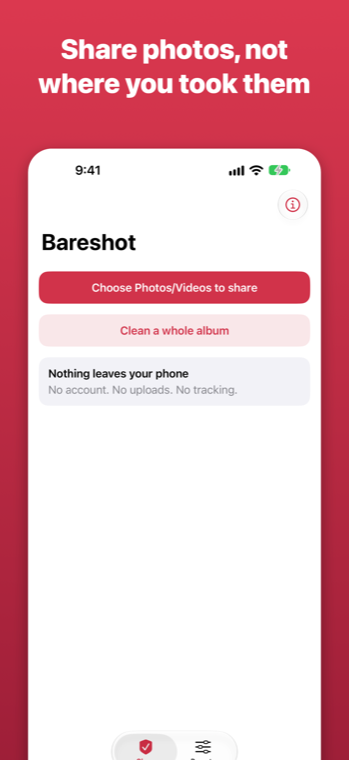
1Pick your photos and videos
Choose a few, or a whole album. You can also start from the share sheet in Photos.
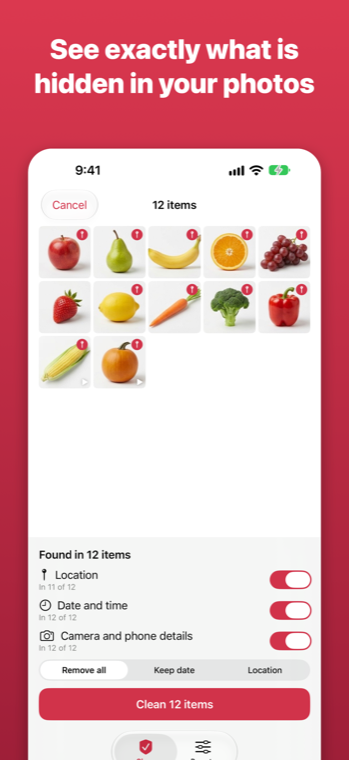
2See what is hidden
Bareshot shows how many items carry a location, a date or camera details. Switch each on or off, or pick a preset.
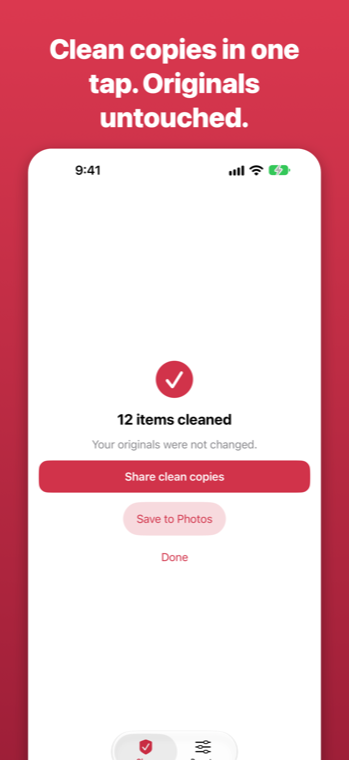
3Clean and share
Tap clean. Share the clean copies or save them to Photos.
Your originals are never changed unless you choose to delete them after cleaning an album, and that choice is off by default and asks you more than once.
More from the same maker
Want to see what is hidden in a file someone sent you? BarePeek shows it, and Baredoc cleans documents. See all apps.
Share the photo, not the place.
Questions? Read the support page or email [email protected].